
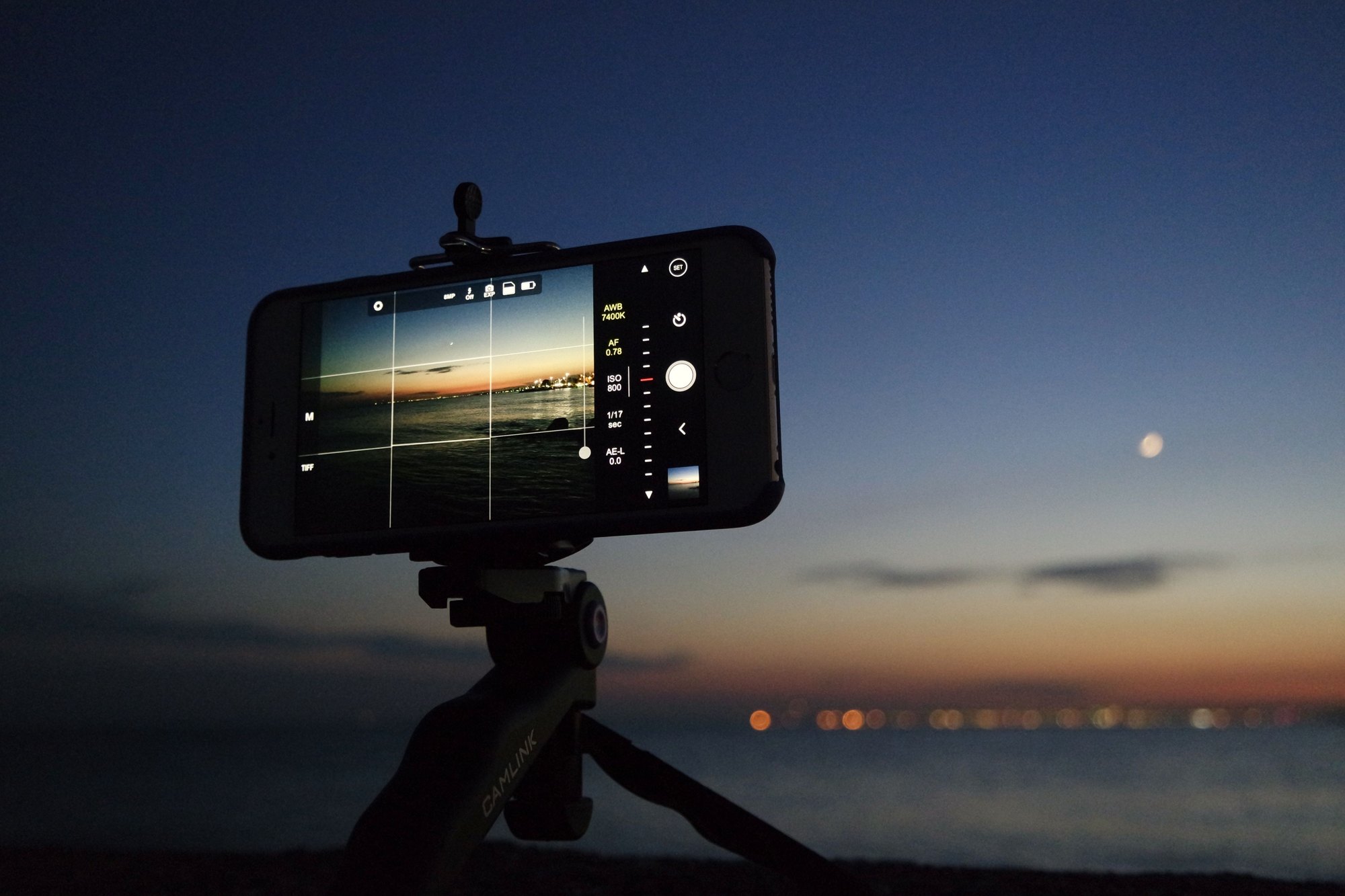
What is new
A quiet feature built into Apple devices offers mobile shooters a way to create daytime motion blur on rivers and seascapes without packing a heavy camera kit.
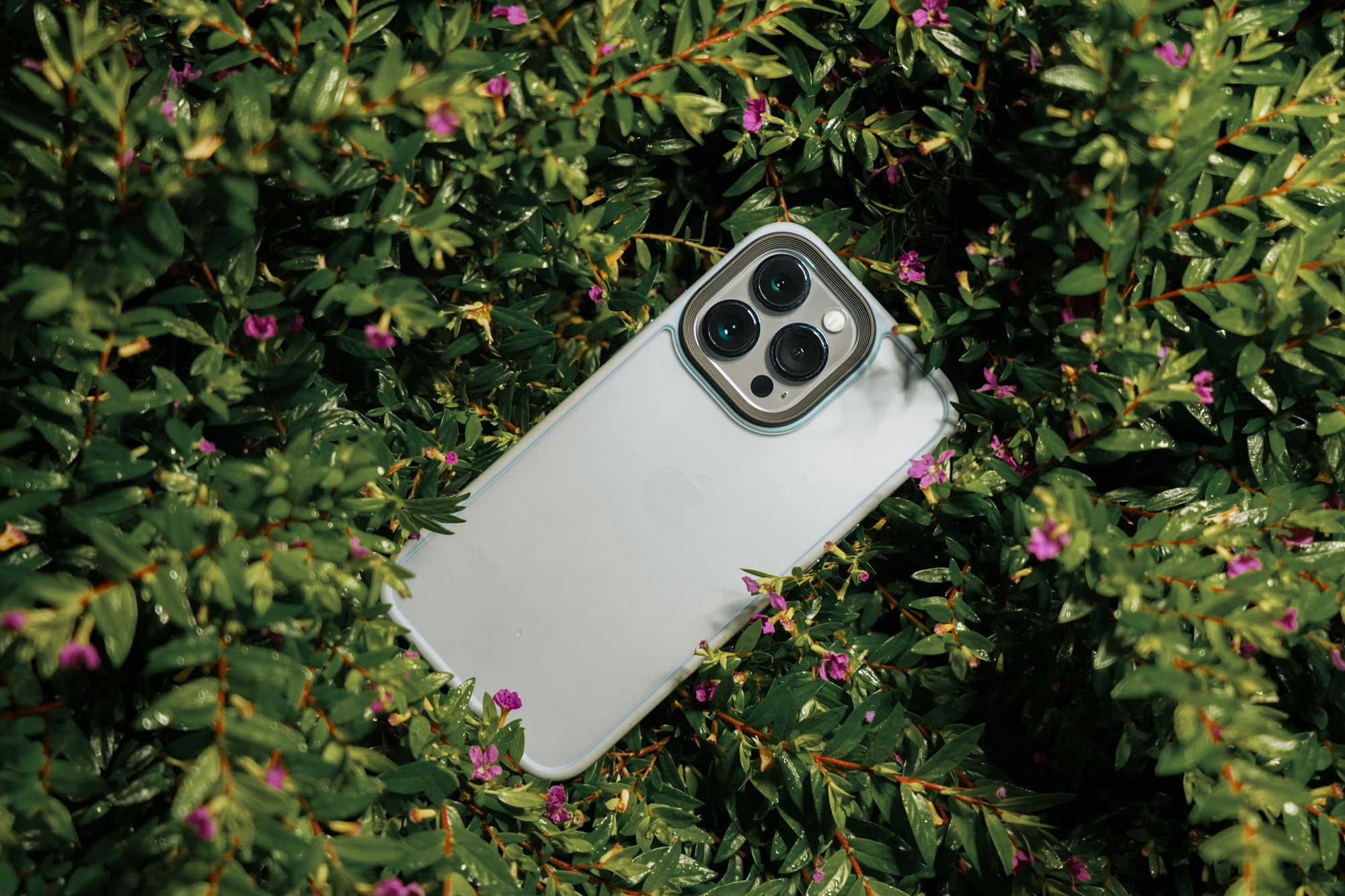
By combining artificial intelligence with standard capture modes, the software merges multiple frames together to mimic slow shutter speeds.
The details
- Capture window. Live Photos records a total of 3 seconds of footage, capturing 1.5 seconds before and 1.5 seconds after you press the shutter button.
- Effect selection. Users can locate the hidden options in the native gallery app by opening a captured file, tapping the edit menu, and choosing among Loop, Bounce, Long Exposure, or Live Off.
- Automatic blending. Selecting the motion effect makes the software automatically merge the recorded frames so that static background elements stay sharp while moving water turns smooth.
- Device requirements. The underlying Live Photos capability is present on Apple handsets dating back to the iPhone 6s and newer models.
- Hardware milestones. Apple unveiled the iPhone 14 Pro and iPhone 14 Pro Max on September 7, 2022, with a release following on September 16, 2022, before those models were discontinued in September 2023.
- Alternative carry. Some mobile photographers use older hardware such as the iPhone 11 Pro Max when they prefer leaving their bulky professional kits at home.
- Composition warning. The internal processing heavily crops the frame during the merging procedure, meaning you need to compose your frame roughly 25 percent wider than usual.
- Water speed factor. Fast moving rivers and crashing ocean waves produce much better blur results compared to a slow, trickling stream.
Background
Traditional slow shutter photography in bright daylight normally demands a dedicated mirrorless or digital SLR camera, a solid tripod, and physical neutral density filters to cut down incoming light.
The software alternative leverages computational photography to achieve similar artistic results. This capability spans a wide range of past handset generations, starting from the iPhone 6s and continuing through more recent hardware iterations.
Who it matters to
This built-in tool is particularly useful for landscape and travel creators who want to pack light. Instead of lugging around heavy glass filters and metal tripods on a hike, photographers can rely on the device in their pocket to capture professional-looking coastal scenes and waterfalls.
Studio shooters or those working exclusively in controlled indoor environments will likely find little use for this outdoor-centric trick.
What to do next
- Launch the native Camera application and ensure that the Live feature is toggled on before shooting.
- Frame your composition about 25 percent wider than your final desired crop to compensate for the software trimming that happens during the merge.
- Rest the handset on a firm surface like a fence post, tree branch, or rock, or hold it completely still for the full 3-second capture window to prevent unwanted blur.
- Navigate to your gallery, open the target file, and apply the Long Exposure setting from the menu options.