
What this is
The 3-2-1 rule is a simple backup routine. You keep 3 copies of your photos, on 2 different kinds of storage, with 1 copy kept off-site. Off-site means away from your home or studio. The rule protects your original image files and your edited images from drive crashes, theft and accidental deletion.
No backup method is foolproof. Still, if your copies are spread out like this, one failure is unlikely to wipe out a client shoot or a personal session.
What you need
- Camera card. The memory card that holds the new image files from your shoot.
- Main computer. The computer drive where you do your daily editing and pick your best shots.
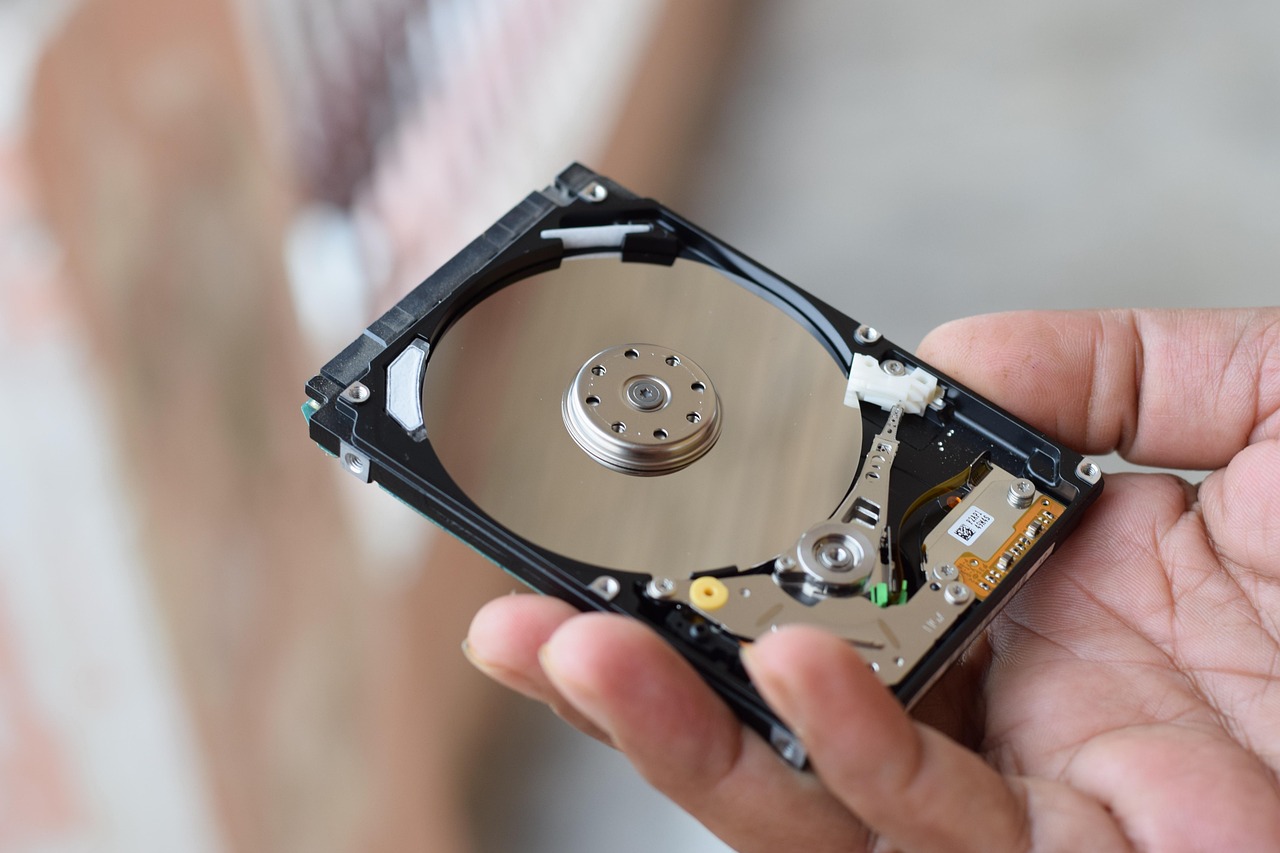
- 2 storage devices. At least 2 separate physical devices, such as external hard drives.
- Off-site storage. A cloud service, or a physical place away from your studio.
Step by step
- Import. Copy the images from your camera card onto your main computer.
- First copy. Copy the same files onto a local external hard drive that you use only for backups.
- Second copy. Make another copy of those files on a second drive or other physical storage device.
- Cloud copy. Upload your images to a cloud storage service so you have a copy off-site.
- Stay in sync. Update your cloud copy and your backup drives regularly as you edit new work.
- Move a drive. Keep your second backup drive somewhere else, such as a studio safe or a relative’s house, so a fire or break-in at one place does not destroy every copy.
Tips
- Card retention. Do not format your camera card, which erases it, until you have checked that your main copy and your backups are safe.
- Regular checks. Every so often, open some archived files to make sure they are not corrupted, meaning damaged and unreadable.
- Automation. Set your cloud backup software to run on its own in the background so your off-site copy stays up to date.
- Drive rotation. Replace older external hard drives every few years to lower the risk of failure from age.
- Label clearly. Mark each backup drive with the date and what is on it so you can find files quickly.